NE49 On Boarding

Get started by logging into some of the applications and services used at MIT
First Day
- Power on your PC laptop
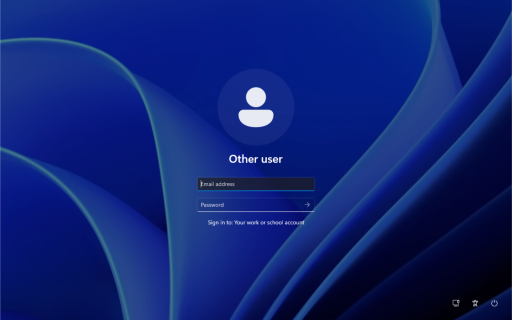
- Wait for the Windows Sign-in screen to appear
- Locate the two left most icons on the bottom-right of your laptop screen
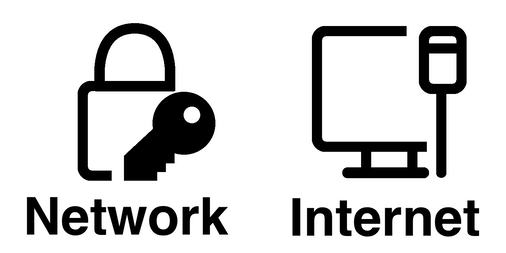
- Click on the Internet icon and select your home wireless network
- Check Connect
- Enter your wireless network's security key and click Next
- Log into computer using your MIT Email address.
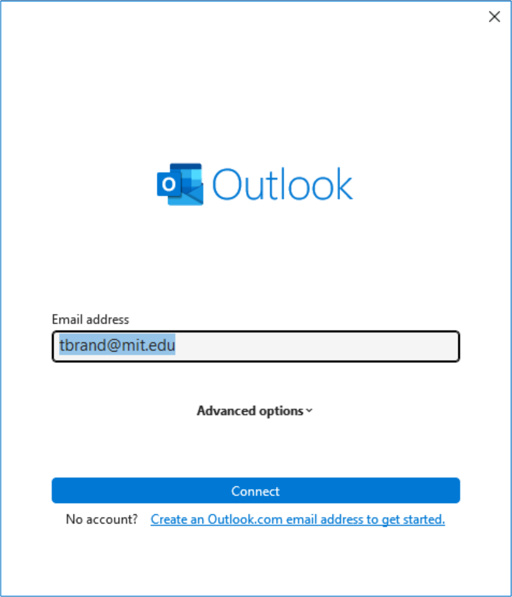
- Launch Outlook (Classic), enter your e-mail address when prompted, and click Connect.
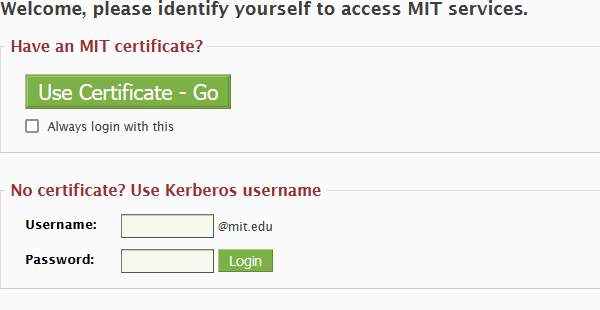
- Use your enter your Kerberos credentials
- Enter your Kerberos credentials
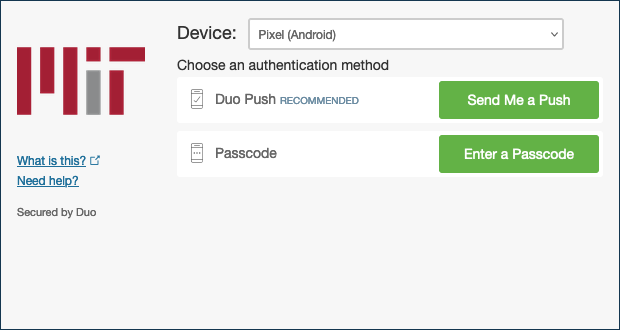
- Complete your DUO two-factor authentication
- Log into Zoom.
- Follow the instructions in the invitation e-mail you should have received from Slack inviting you to your department's Slack Workspace.
- Sign into CrashPlan, and learn about our Backup Policy
- Sign into Adobe Acrobat Pro
- If your group uses Dropbox, sign into MIT Dropbox
- Launch GlobalProtect and ensure you can get on the VPN.
- With a VPN connection established connect to your departments network share, if applicable.