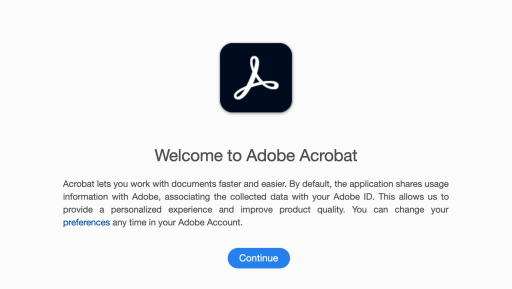
Activate Adobe Acrobat Pro
MIT's license of Adobe Acrobat Pro is available for Faculty, Students, and Staff. If you are an intern or temporary employee reach out to us if you need a license.
- Double-click the Adobe Acrobat icon on your computer desktop (If you are asked to choose a licensing mode select "sign in with username")

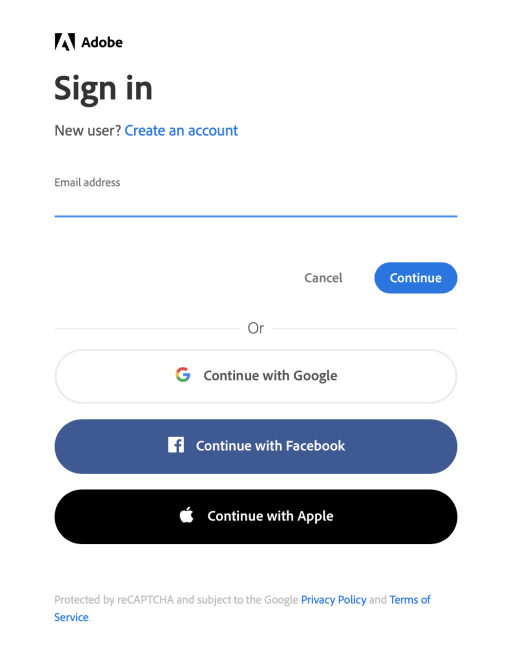
- After the Sign In window appears enter your MIT email address and click Continue
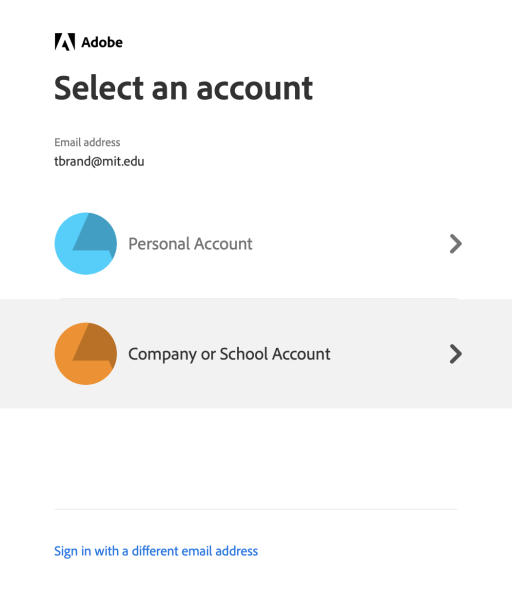
- Choose Company or School Account
-
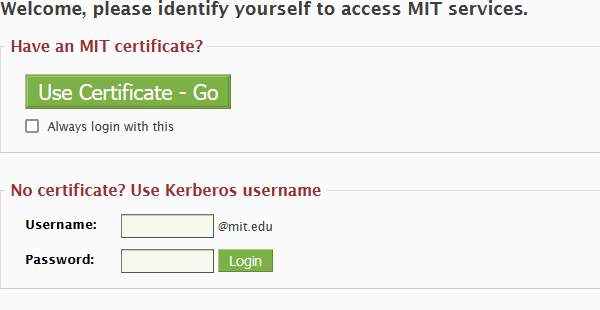
Use your enter your Kerberos credentials
-
Enter your Kerberos credentials
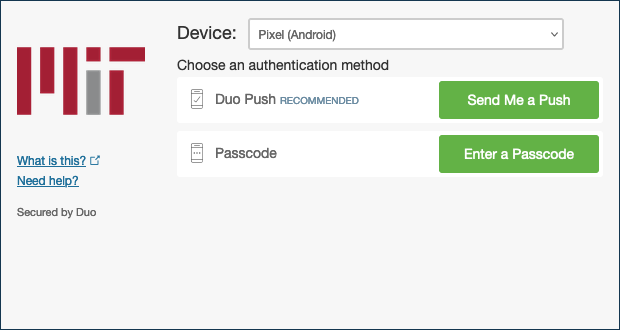
- Complete your DUO two-factor authentication
- Click Continue to begin using Adobe Acrobat Pro