Join MIT Wired Ethernet
Follow these steps if you are on campus at an Ethernet connected workstation and are unable to access the Internet.
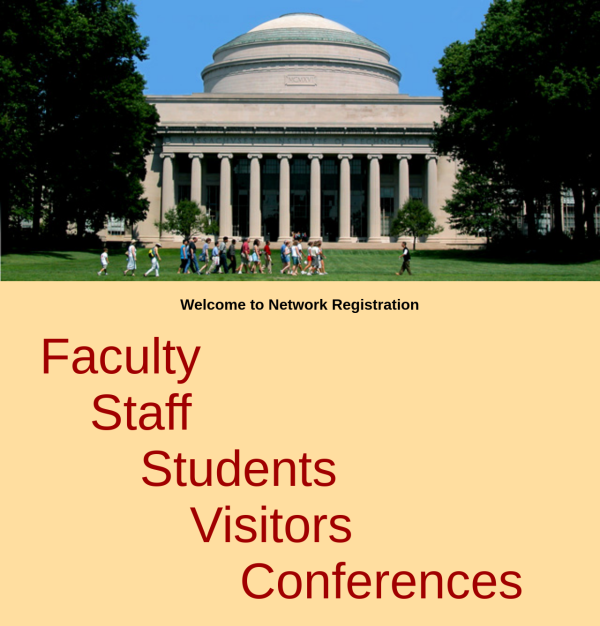
- Visit https://nic.mit.edu/dhreg/bootstrap/ by entering the address or opening a new tab in Firefox.
- Click on Staff
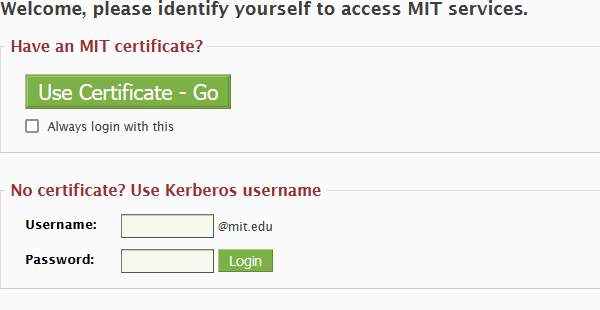
- Enter your Kerberos credentials
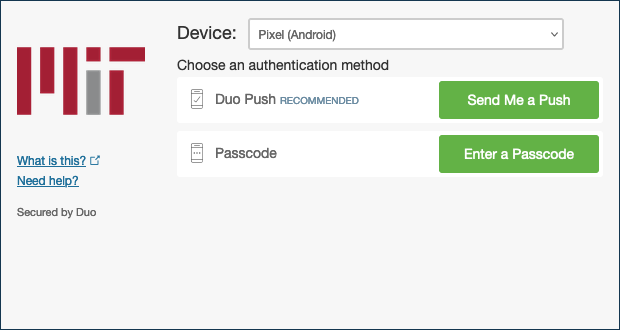
4.Complete your DUO two-factor authentication
- Click Register your computer.
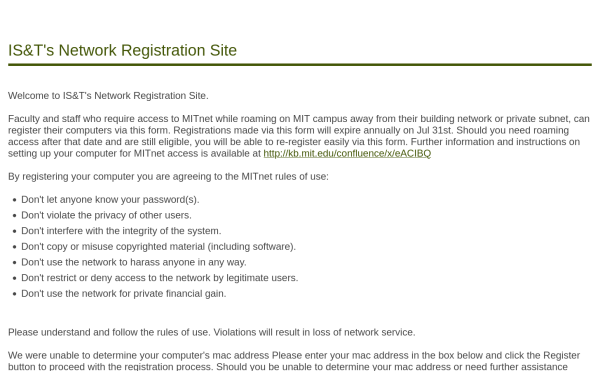
If you are required to "specify your mac address" contact us.
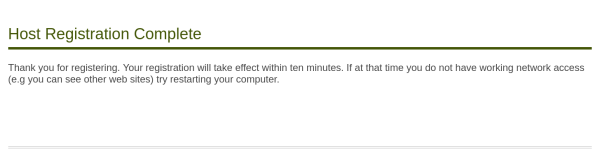
- Your registration will take effect within ten minutes. If at that time you do not have working network access try restarting your computer.